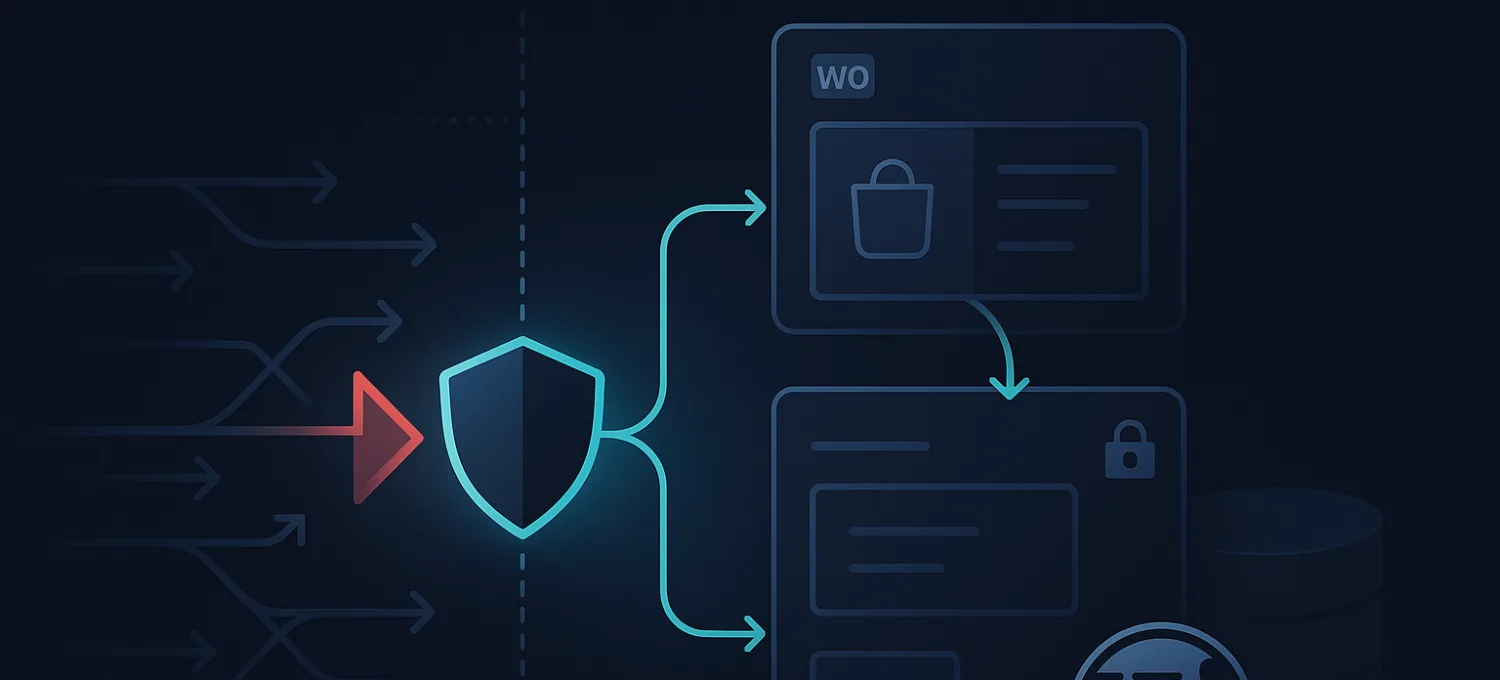

WordPress Vulnerability Scanners: What They Catch and What They Miss
A practical guide to WordPress vulnerability scanners, how to interpret findings, and why scanning alone does not protect production sites between detection and remediation.
FirePhage Blog
This blog is where FirePhage explains how to protect WordPress and WooCommerce sites without drowning teams in security jargon. The goal is practical, product-adjacent content that helps site owners and agencies make better protection decisions.
Featured article
FirePhage Security is now available on WordPress.org. Install the plugin to run malware scans, file integrity checks, login protection, update visibility, and optional FirePhage dashboard sync.
Why this content matters
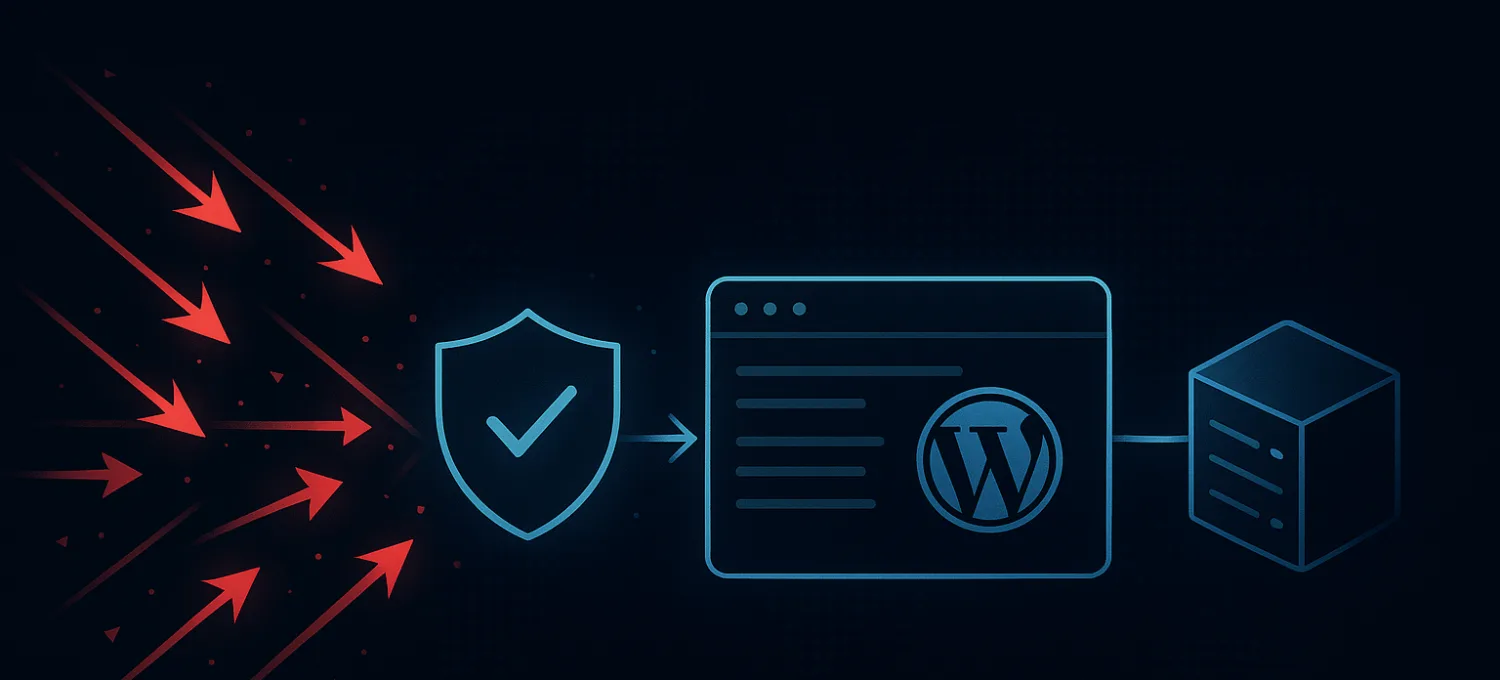
A practical guide to WordPress vulnerability scanners, how to interpret findings, and why scanning alone does not protect production sites between detection and remediation.
A practical guide to diagnosing slow TTFB on WordPress by separating frontend issues from server-side delay, plugin drag, cache misses, and bad traffic pressure.
A practical guide to protecting WordPress APIs and webhook-style endpoints without blocking real users, real integrations, or legitimate application traffic.
A practical guide to checking website traffic in WordPress using GA4, Search Console, and request-quality monitoring so you can separate real visitors from expensive junk traffic.
A practical guide to diagnosing 403 errors caused by a WordPress firewall, separating false positives from real attacks, and fixing WAF blocks without weakening protection.
A practical guide to blocking bots on WordPress by protecting expensive routes, reducing origin waste, and stopping junk traffic before it degrades performance.
A practical guide to fixing HTTP Error 413 on WordPress and WooCommerce, including where the size limit is enforced and how to diagnose the right layer fast.
A practical guide to diagnosing whether a slow WordPress or WooCommerce site is under DDoS pressure, bad bot traffic, or a self-inflicted origin problem.
Bot traffic is automated traffic hitting your site instead of a real visitor. Here is what it looks like on WordPress and WooCommerce, why it gets expensive, and how to stop it before origin takes the hit.
Explore FirePhage services
WAF
Managed WAF for WordPress, WooCommerce, Laravel, APIs, and agency portfolios.
DDoS
Edge-first traffic pressure handling with understandable visibility.
Bot Protection
Readable bot and brute-force protection for WordPress and beyond.
WordPress Plugin
WordPress health, malware, and paid dashboard telemetry in one workflow.